Microsoft Teams Training
In this one-day course, Microsoft users of all skill levels will learn how to get started with Microsoft Teams, use messages and channels, communicate in different ways, and customize their Teams settings. Our experienced instructor will help you get comfortable using the Teams app in your daily workflow!
Date & Time
The third Wednesday of every-other month.
Time: 9am – 4pm
Location
MBA Erie Office
2171 West 38th Street
Erie, PA 16508
Pricing
$215 for members/$315 for non-members
Skill Level
Beginner, Intermediate, Advanced
Prerequisites
None required
Materials Required
None
Who should take this course?
This Microsoft Teams class is ideal professional development for:
- Project Managers
- Administrative Assistants
- Supervisors & Leaders
- Business Professionals
…or anyone else who would benefit from a comprehensive, customizable communication tool!
Course Structure
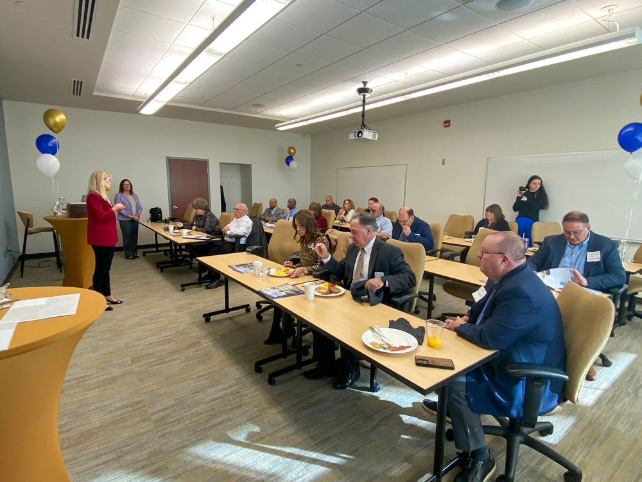
The class is presented in a structured, hands-on format in the MBA computer lab, ensuring participants fully understand how to use Microsoft Teams to elevate their productivity and collaboration skills.
Course Highlights
The class covers the following topics:
- Getting Started with Teams: gain fundamental knowledge of Microsoft Teams and how it integrates with Microsoft 365. Learn how to set up, launch, access, and navigate the Teams desktop and mobile apps effectively. You’ll also explore the basics of channels and available support resources.
- Communicating in Channels: master managing and responding to messages within a channel to create seamless communication within your team. Learn how to manage files within and documents within a channel to facilitate easy collaboration, and how to use the Wiki to organize and store important information.
- Using Other Communication Tools: we’ll guide you through the chat function in Teams, and show you how to send private messages and create group chats for focused discussions. Gain hands-on experience managing meetings and files directly in Teams, allowing you to share information and collaborate without switching platforms.
- Customizing Channels: discover how to customize channels to suit your team’s needs and organize each channel for maximum efficiency. Learn how to add tabs and connectors to channels, giving you quick access to relevant tools and resources.
- Managing Files in Teams: explore how to upload, share, and organize files efficiently within Teams. Learn how to collaborate on files in real-time using Microsoft 365 apps like Word, Excel, and PowerPoint. Gain skills like controlling file permissions, recovering previous versions of a file, and co-authoring documents with team members.
- Customizing Your Teams Experience: wrap up the course by learning how to manage your Teams profile and adjust your settings to enhance your user experience. Explore inviting new members and creating new teams, and discover how to add bots and apps to Teams to help you automate workflows and integrate third-party apps.
Course Instructor
Meet Casey Naylon! A longstanding member of the MBA team, Casey is a highly experienced computer trainer and certified Microsoft Excel expert with years of expertise in the technology training industry. With a passion for sharing knowledge and helping others harness the power of technology, she has become a sought-after trainer and implementation consultant for Microsoft 365 products.
Additional Training Courses
Check out our full course catalog to learn more about all the training we offer to help your business succeed.
Customized Onsite Training
We can bring any one of our courses to you–in person or online–or design a new course to meet your organization’s professional development needs.
Join the MBA
Membership allows you to access training at exclusive prices and make the most of your new knowledge by implementing it alongside our other offerings.
Questions?
If you have questions about MBA training or can’t find the course you’re looking for, get in touch with us by filling out the form.